
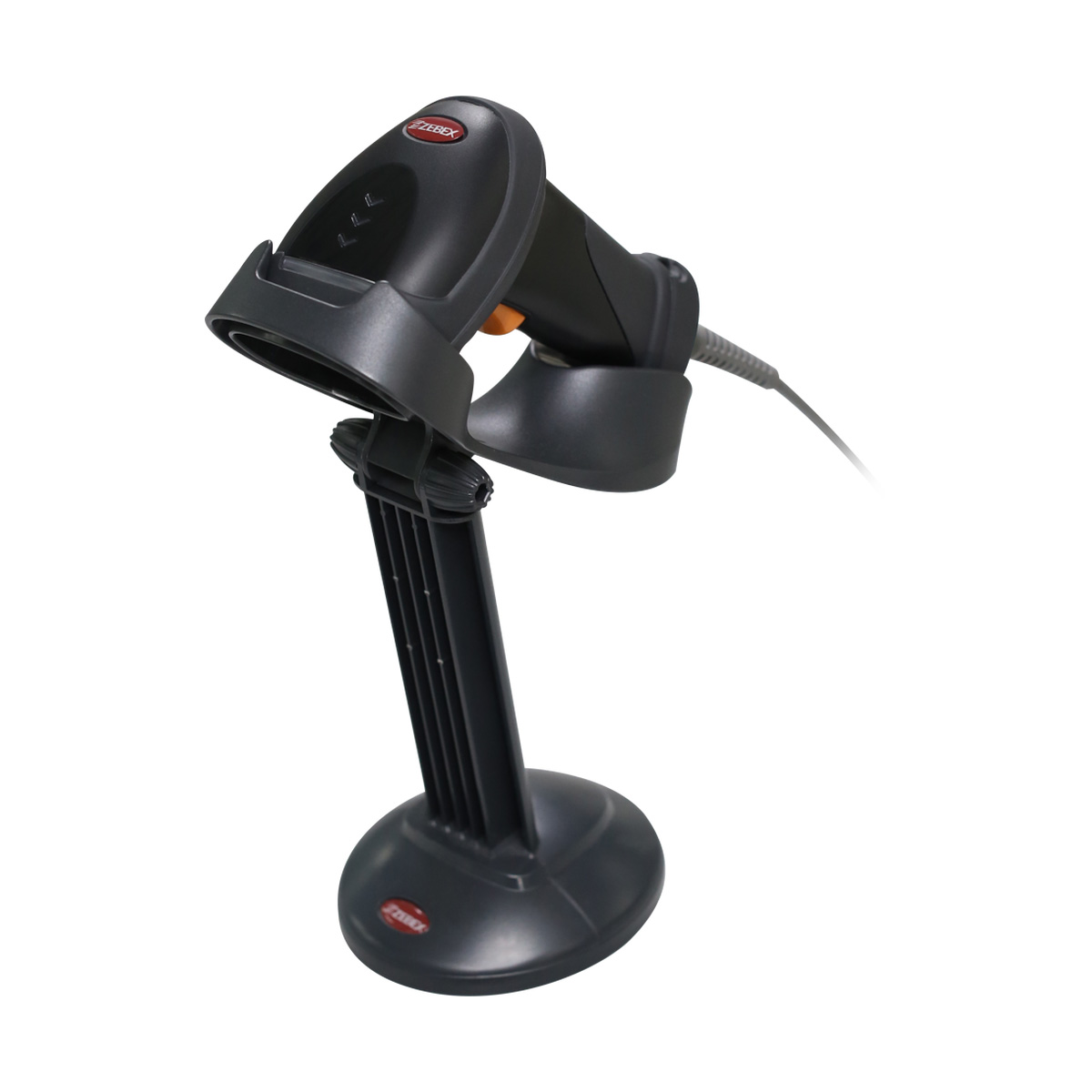
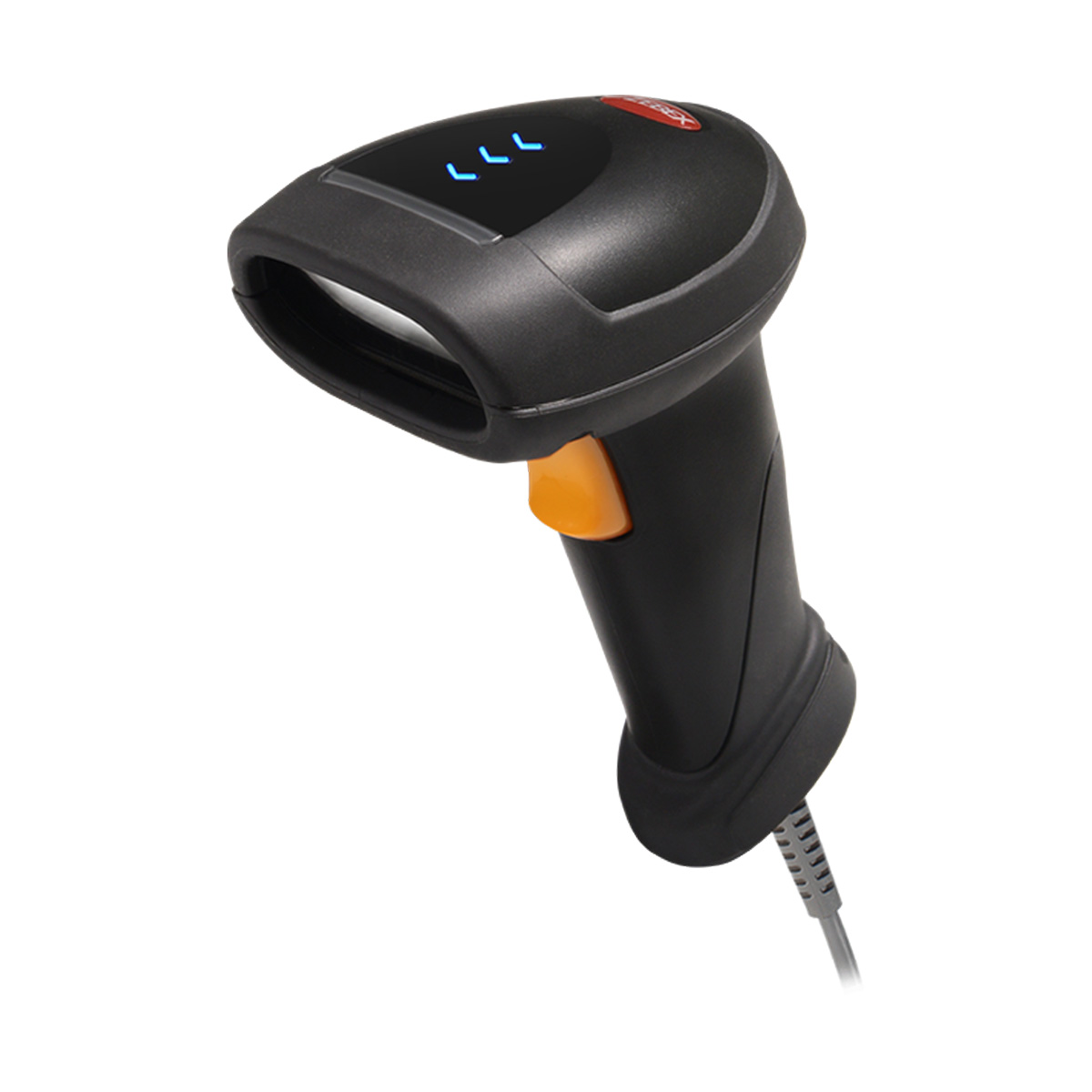
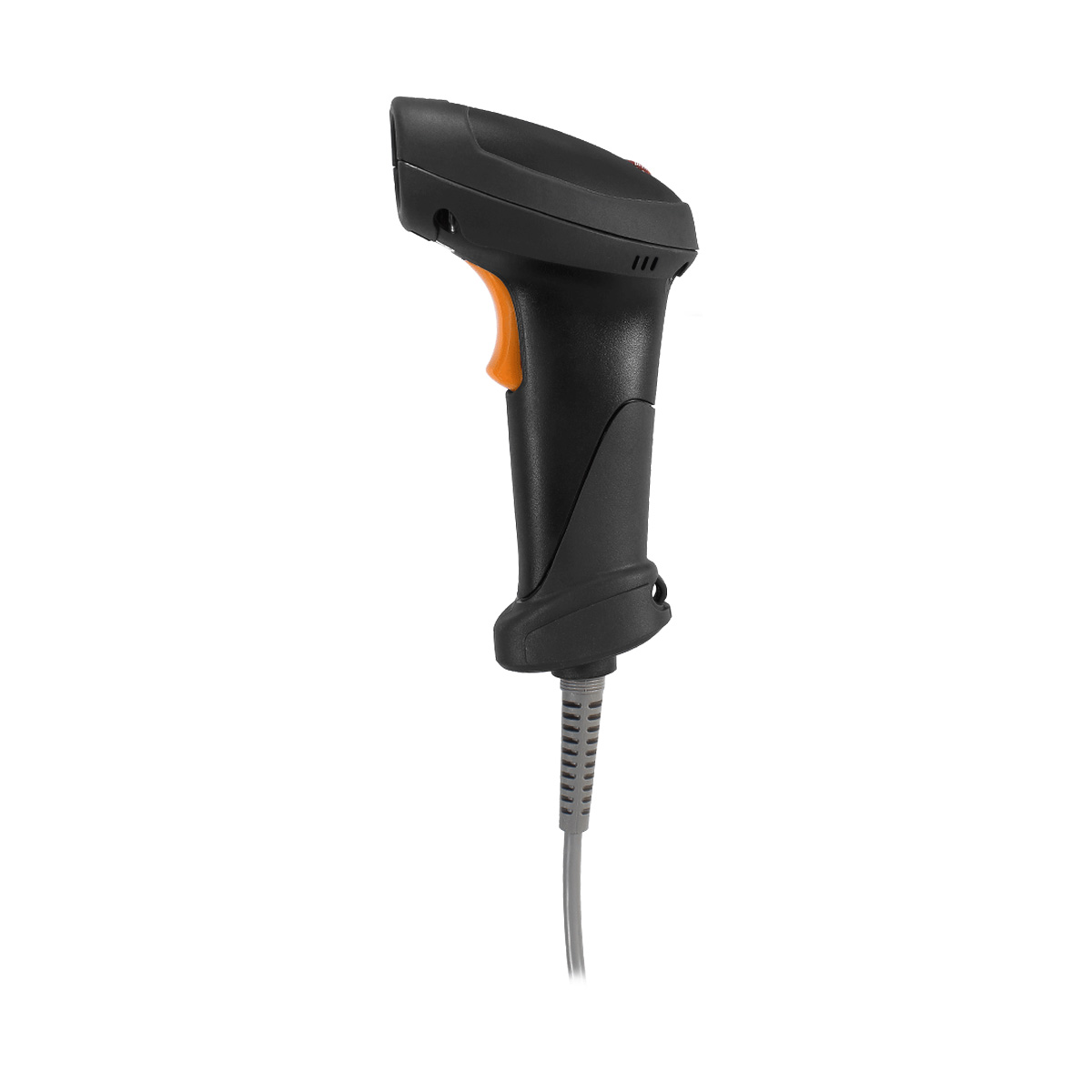
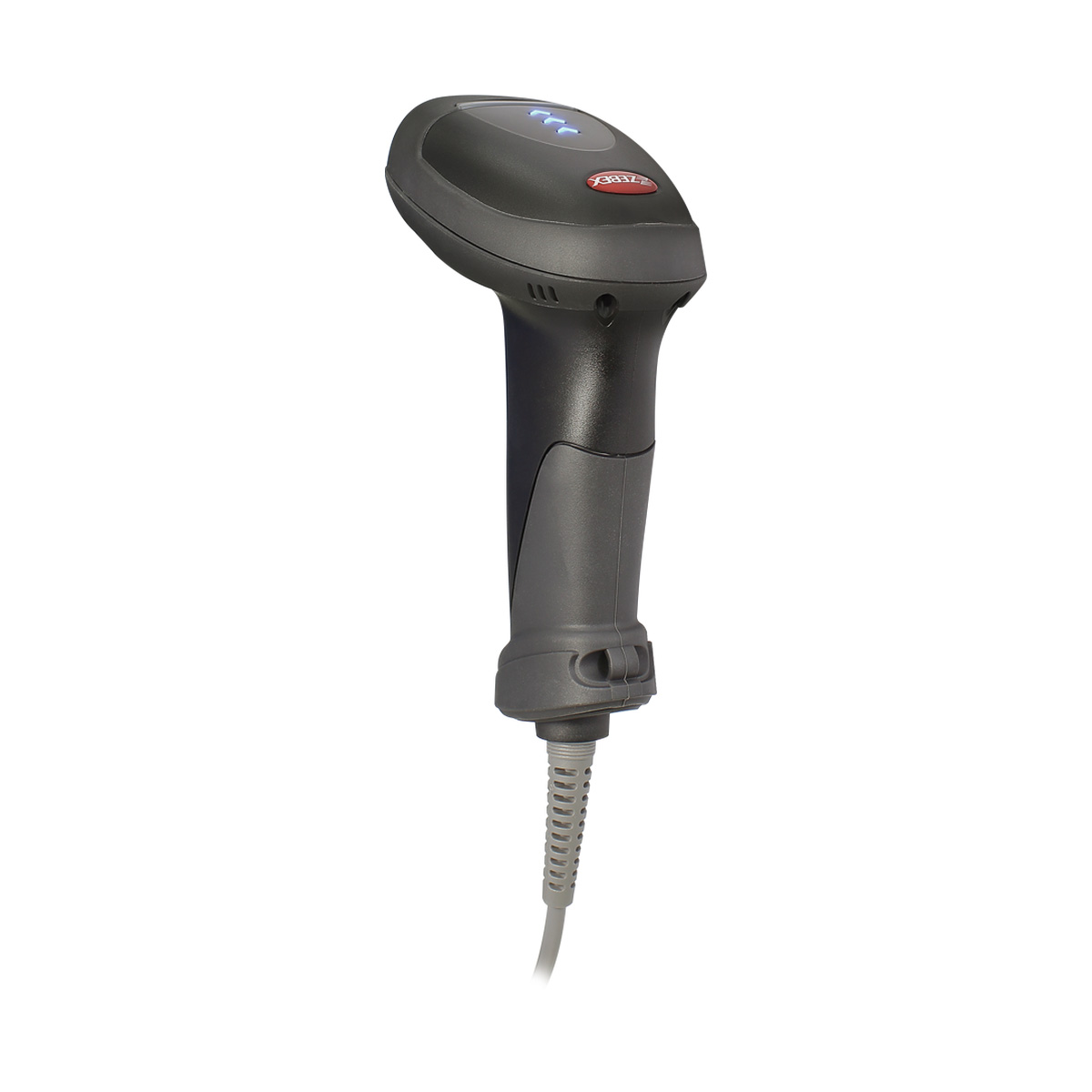
Z-3392 Plus是最新一代二維槍型手持式條碼掃描器,堅固耐用的設計,係專為嚴峻惡劣的操作環境所打造。全新設計的完整套件,從內在效能到外形耐用,都展現出絕佳的機能性與靈活性。強大的二維影像感應器,最適用於需要處理大量資料且嚴格要求精確性的工作場所,例如零售業、醫療院所、保健服務及資訊查詢台等。
• 輕巧流線、堅固耐用、符合手部人體工學的外形設計
• 支援絕大多數一維及二維條碼格式
• LED閃光指示燈及可調整聲調、頻率及音量的峰鳴器
• 強大的影像感應器,提供高階的掃描性能
• 健康保健標籤讀取:支援GS1及FMD
| Aiming Element | ||
|---|---|---|
| 617nm visible LED | ||
| Illumination Element | ||
| 6500K white LED | ||
| Optical System | ||
| CMOS | ||
| Image Sensor | ||
| 1280 x 800 | ||
| Depth of Field | ||
| Code39 (5 mil) : 50 - 150 mm EAN 13 (13 mil) : 30 - 280 mm | ||
| Min. Bar Width | ||
| 4mil@PCS=90%(code39) | ||
| Field of View | ||
| 38.6°Horizontal x 24.9°Vertical | ||
| Focusing Distance | ||
| 7.5cm | ||
| Sensitivity | ||
| 360° | ||
| Print Contrast | ||
| 30% @ UPC/EAN 100% | ||
| Indicator | ||
| Two-color LED (blue,red) | ||
| Programmable Operation | ||
| Programmable tone & beep time | ||
| System Interface | ||
| RS-232, USB | ||
| Dimensions H x W x L | ||
|---|---|---|
| 163.0 x 66.6 x 82.4 mm | ||
| Weight (g) | ||
| 143 g | ||
| Cable | ||
| Standard 2M straight | ||
| Input Voltage | ||
|---|---|---|
| 5 VDC ±10% | ||
| Operating Current | ||
| 320 mA @ 5V ( Typical ) | ||
| EMC | ||
|---|---|---|
| CE EN55022 class B, FCC part 15 Class B,VCCI,BSMI | ||
| Safety | ||
| IEC 62471 Exempt | ||
| Operating Temperature | ||
|---|---|---|
| 0°C – 50°C (32°F – 122°F) | ||
| Storage Temperature | ||
| -20°C – 60°C (14°F – 140°F) | ||
| Humidity | ||
| 5% – 90% RH (non-condensing) | ||
| Light Level | ||
| Max. 100,000 Lux (fluorescence) | ||
| Drop Durability | ||
| Designed to withstand 1.5M drops | ||
| Environmental Sealing | ||
| IP 42 | ||
| 1D Barcode | ||
|---|---|---|
| UPC / EAN ( UPCA / UPCE / EAN-8 / EAN-13, ISBN ( Bookland ), Code 39 , Code 32 ( Italian Pharmacode ), Code 128, GS1-128 (EAN-128), Code 93, Codabar, Interleaved 2 of 5,Standard 2 of 5,lndustrial 2 of 5, Matrix 2 of 5 ( Japannese ), Code 11, Telepen, Pharmacode, Chinese post code, MSI Plessey,GS1 DataBar (Omnidirectional, Truncated, Stacked, Stacked Omnidirectional, Limited, Expanded, Expanded Stacked) | ||
| 2D Barcode | ||
| QR Code, Micro QR Code DataMatrix MaxiCode, Aztec, PDF417, MicroPDF417, PostNet, PLANET, Australia, Royal Post, CODABLOC F, Composite Codes (CC-A, CC-B, CC-C) | ||
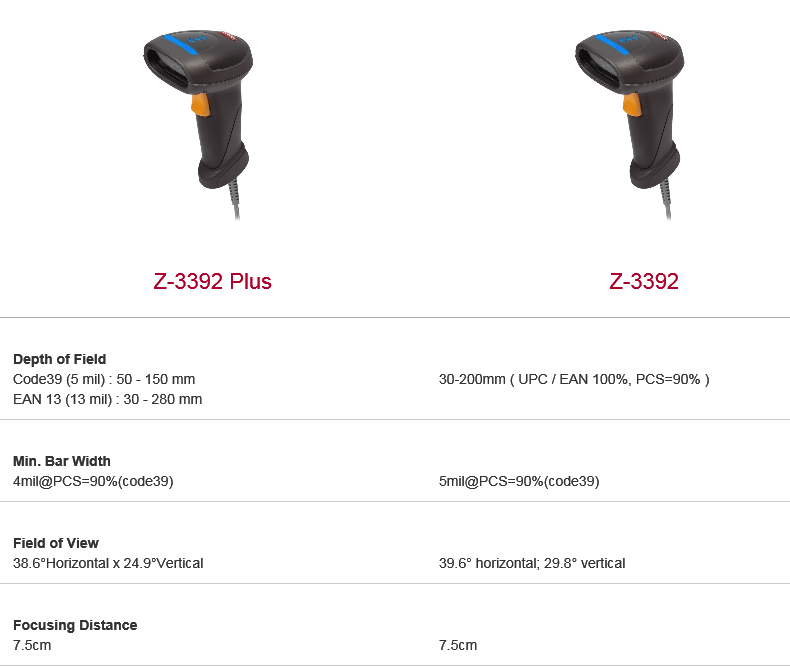
以下為 Z-3392 與 Z-3392 Plus 在解碼能力規格上的主要差異:


Copyright © 2026 ZEBEX INDUSTRIES INC. | Auto-ID Solutions from Taiwan